

Version Control
Every prompt change is automatically tracked and versioned through the platform interface.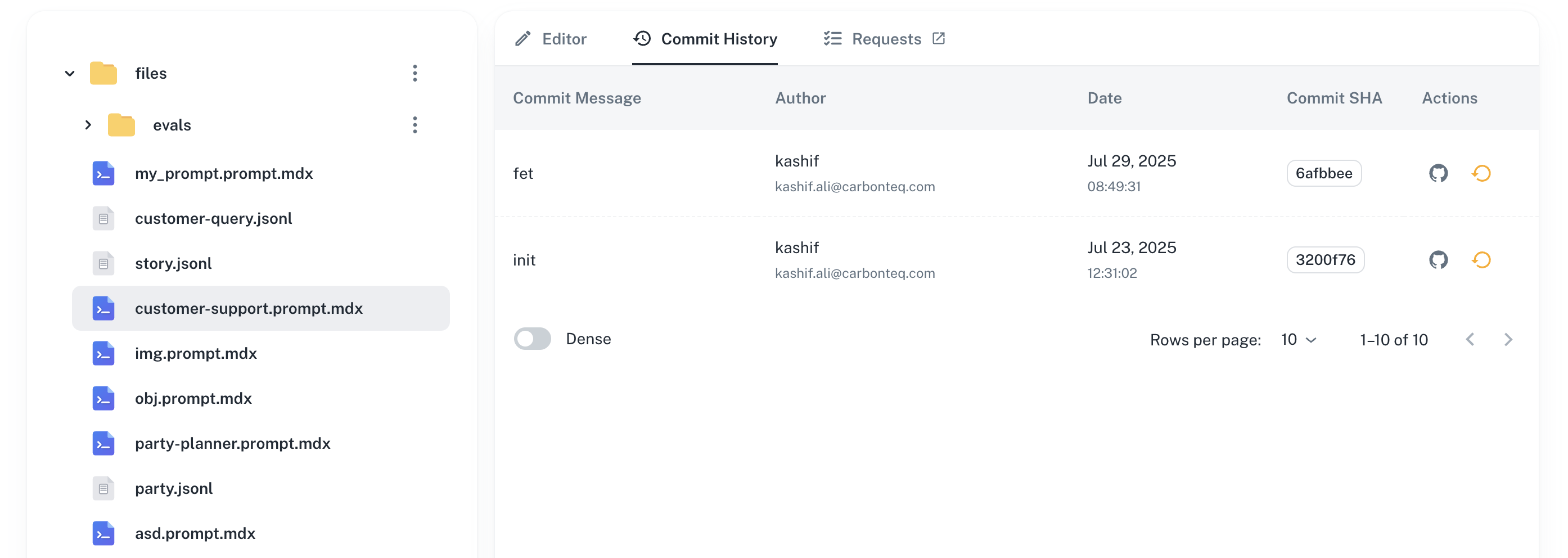
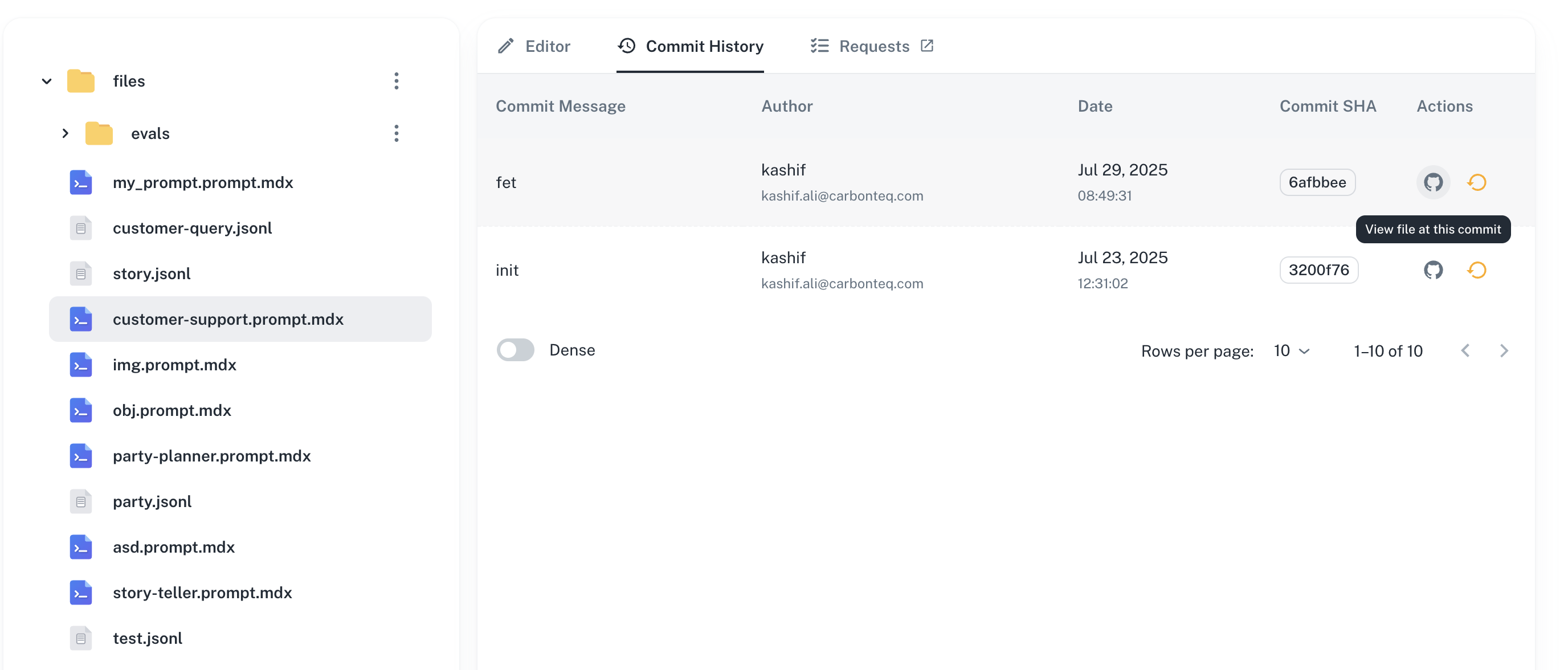
View Commit
Click on any version in the history to view the specific commit:- Changes made in that version
- Author and timestamp
- Commit message
- Link to commit in Git repository
Rollback to Version
Revert to any previous version of your prompt. Click on a version → Select “Rollback” to rollback to that specific version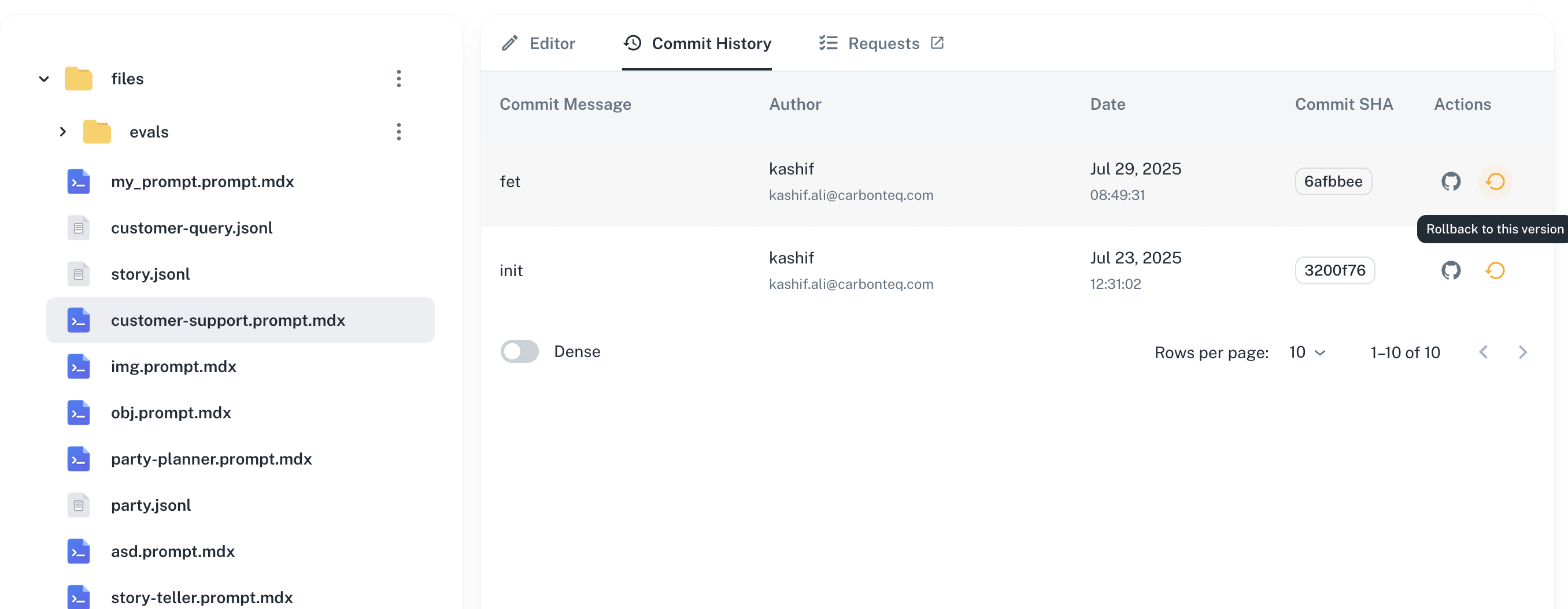
Next Steps
Testing with Datasets
Validate versions against test data
Running Evaluations
Measure quality across versions
Team Permissions
Control who can edit and approve changes
Experiments
Compare versions with A/B testing
Have Questions?
We’re here to help! Choose the best way to reach us:
- Join our Discord community for quick answers and discussions
- Email us at hello@agentmark.co for support
- Schedule an Enterprise Demo to learn about our business solutions