

Key Features
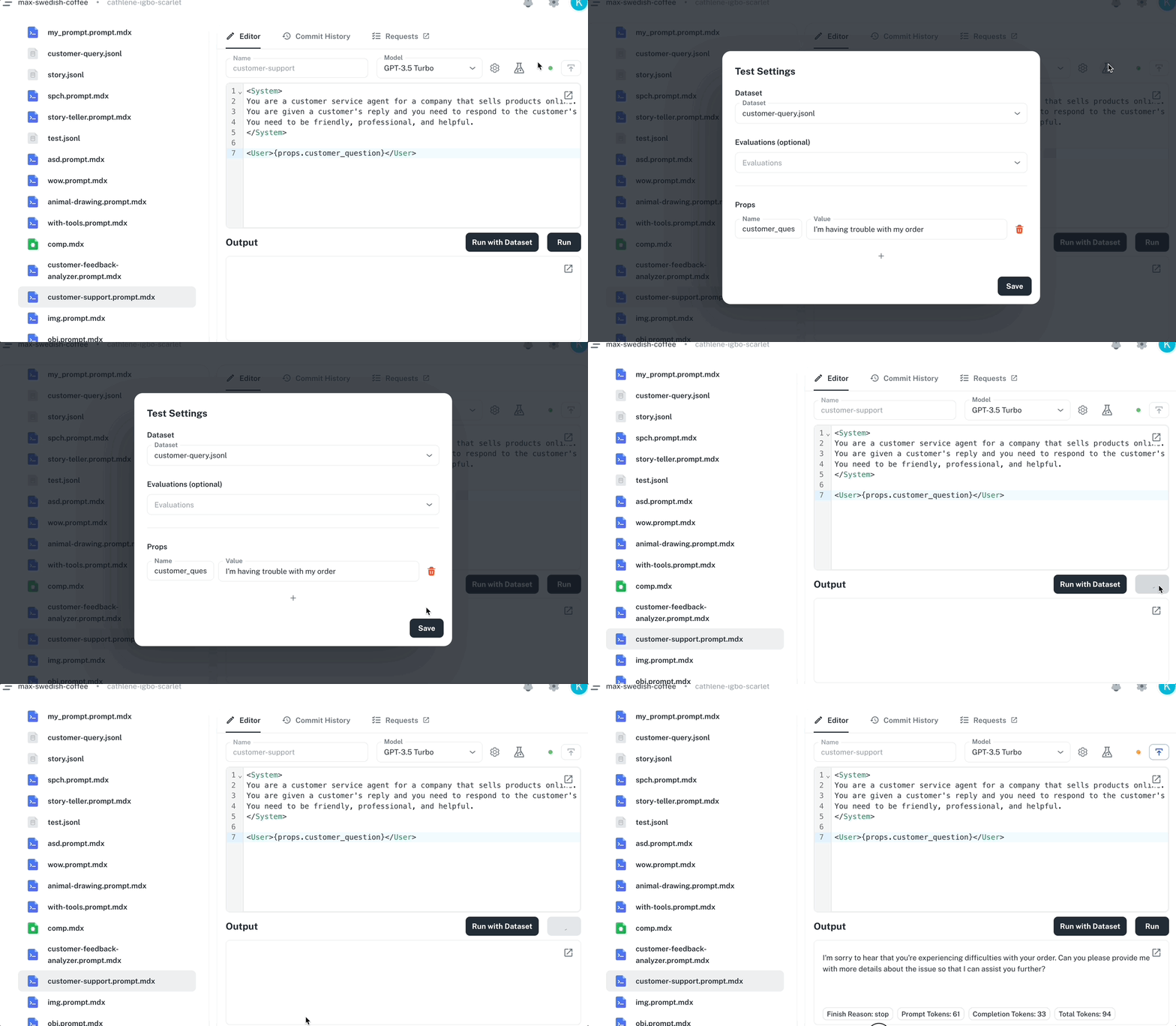
Visual Editor- Write and edit prompts with syntax highlighting
- Test prompts directly in the editor
- Configure model settings through visual controls
- Preview outputs in real-time
- Automatic tracking of all changes
- View complete version history
- Compare versions side-by-side
- Rollback to previous versions
- Run prompts with test inputs
- Test against datasets for consistent behavior
- Run evaluations to measure quality
- Monitor performance in production
- Multiple team members can edit prompts
- Review changes before deployment
- Role-based permissions
- Automatic sync with your codebase
How It Works
- Create - Write prompts using the visual editor with dynamic variables and logic
- Test - Run prompts with test inputs and validate outputs
- Version - All changes are automatically tracked with full history
- Deploy - Changes sync to your codebase and are available to your application via our CDN
Advanced Features
JSON Output - Generate structured data with schema validation Learn more → Tools and Agents - View and test agents that use function calling Learn more → File Attachments - Include images and documents in prompts Learn more → Reusable Components - Create shared components across prompts Learn more →Next Steps
Create a Prompt
Step-by-step guide to creating prompts
Prompt Syntax
Learn the AgentMark template syntax
Version Control
Track and manage prompt versions
Test with Datasets
Systematic prompt testing
Have Questions?
We’re here to help! Choose the best way to reach us:
- Join our Discord community for quick answers and discussions
- Email us at hello@agentmark.co for support
- Schedule an Enterprise Demo to learn about our business solutions