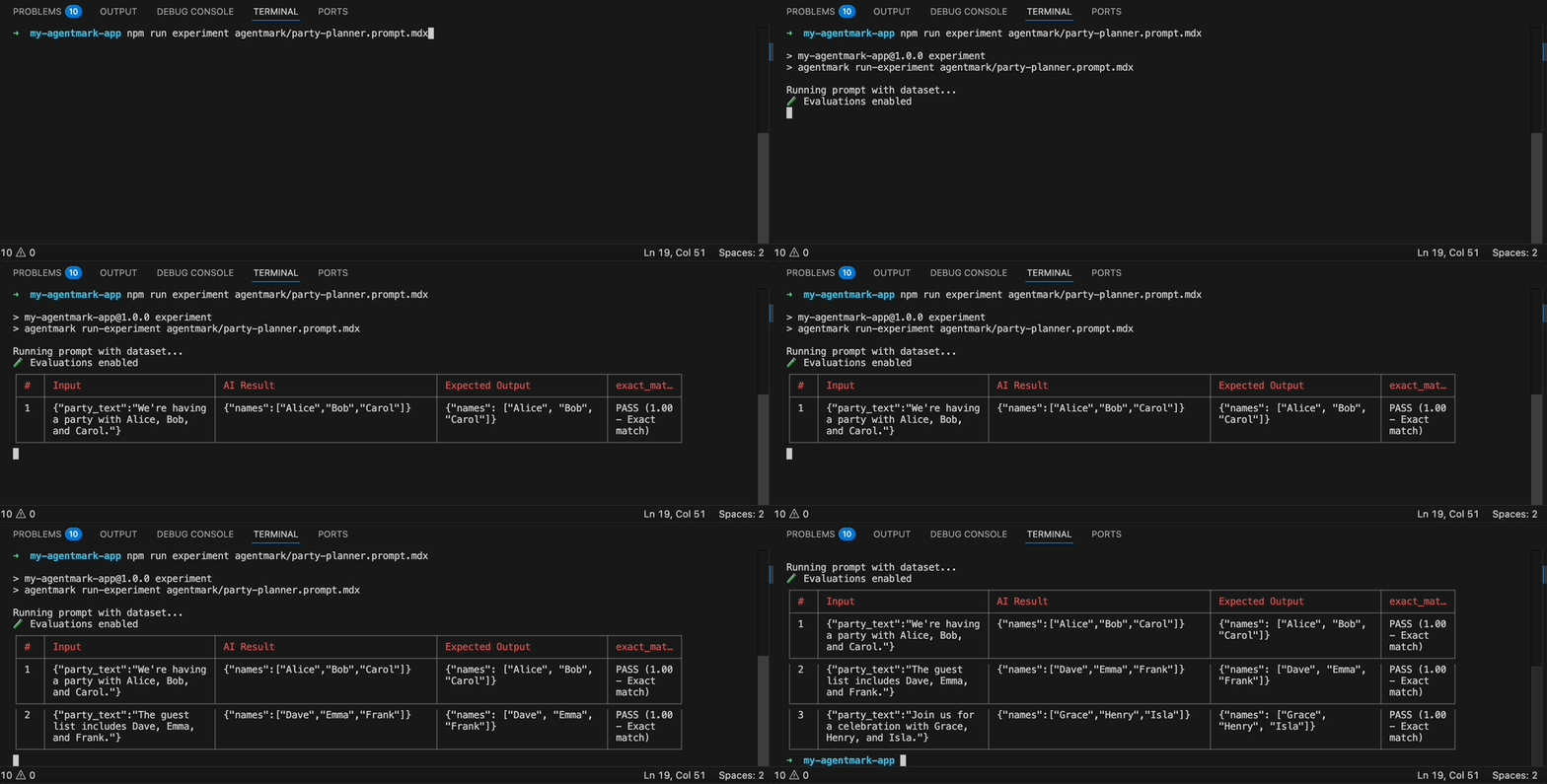
agentmark run-experiment <filepath> [options]Options: --server <url> Webhook server URL (default: http://localhost:9417) --skip-eval Skip running evals even if they exist --format <format> Output format: table, csv, json, or jsonl (default: table) --threshold <percent> Fail if pass percentage is below threshold (0-100)Dataset Sampling (pick at most one): --sample <percent> Run on a random N% of rows (1-100) --rows <spec> Select specific rows by index or range (e.g., 0,3-5,9) --split <spec> Train/test split (e.g., train:80 or test:80) --seed <number> Seed for reproducible sampling/splitting
The --server flag defaults to the AGENTMARK_WEBHOOK_URL environment variable if set, otherwise http://localhost:9417.
Exits with non-zero code if pass rate falls below the threshold. Requires evaluations that return a passed field.Dataset sampling (see Dataset Sampling below):
Run experiments on a subset of your dataset without modifying the dataset file. The three sampling modes are mutually exclusive — use only one per run.Random sample (--sample <percent>):Run on a random N% of rows. Useful for quick smoke tests against large datasets.
# Run on ~20% of rows (random, non-reproducible)agentmark run-experiment agentmark/test.prompt.mdx --sample 20# Reproducible: same 20% every timeagentmark run-experiment agentmark/test.prompt.mdx --sample 20 --seed 42
Specific rows (--rows <spec>):Select individual rows by zero-based index. Supports comma-separated indices and ranges.
Train/test split (--split <spec>):Split the dataset into train and test portions. Run only the train portion or only the test portion.
# Run on the first 80% (train portion), positional splitagentmark run-experiment agentmark/test.prompt.mdx --split train:80# Run on the remaining 20% (test portion), positional splitagentmark run-experiment agentmark/test.prompt.mdx --split test:80# Seeded split — random assignment, reproducible across runsagentmark run-experiment agentmark/test.prompt.mdx --split train:80 --seed 42agentmark run-experiment agentmark/test.prompt.mdx --split test:80 --seed 42
Without --seed, --split uses positional assignment: the first N% of rows are “train” and the rest are “test”. With --seed, each row is assigned to train or test by a deterministic hash — the order in the file does not matter.
Reproducibility with --seed:The --seed flag guarantees the same rows are selected every time, across TypeScript and Python. Pass the same seed to get identical results on any machine or language runtime.
# These two runs always process the exact same rowsagentmark run-experiment agentmark/test.prompt.mdx --sample 30 --seed 99agentmark run-experiment agentmark/test.prompt.mdx --sample 30 --seed 99
Use --seed in CI/CD pipelines to prevent flaky results from random row selection.
The CLI supports both .mdx source files and pre-built .json files (from agentmark build). Media outputs (images, audio) are saved to .agentmark-outputs/ with clickable file paths.
1. Develop prompts - Iterate on your prompt design2. Create datasets - Add test cases covering your scenarios3. Write evaluations - Define success criteria4. Run experiments - Test against dataset
Run experiments programmatically using formatWithDataset():
import { client } from './agentmark-client';import { generateText } from 'ai'; // Or your adapter's generation functionconst prompt = await client.loadTextPrompt('agentmark/classifier.prompt.mdx');// Returns a stream of formatted inputs from the datasetconst datasetStream = await prompt.formatWithDataset();// Process each test casefor await (const item of datasetStream) { const { dataset, formatted, evals } = item; // Run the prompt with your AI SDK const result = await generateText(formatted); // Check results const passed = result.text === dataset.expected_output; console.log(`Input: ${JSON.stringify(dataset.input)}`); console.log(`Expected: ${dataset.expected_output}`); console.log(`Got: ${result.text}`); console.log(`Result: ${passed ? 'PASS' : 'FAIL'}\n`);}
The stream returns objects with:
dataset - The test case (input and expected_output)
formatted - The formatted prompt ready for your AI SDK
evals - List of evaluation names to run
type - Always "dataset"
Options (FormatWithDatasetOptions):
datasetPath?: string - Override dataset from frontmatter
format?: 'ndjson' | 'json' - Buffer all rows ('json') or stream as available ('ndjson', default)